GameModHub Gaming
Cute and Kawaii Minecraft Skins
Kawaii design leans almost entirely on the face: large eyes, small mouth, soft blush, rounded everything. Minecraft gives you a head that is eight pixels wide and eight tall on the front face. That is the entire canvas for an expression.
This is why so many cute skins look flat. The style's usual tools do not fit, and designers who try to cram a detailed face into eight pixels end up with a smudge.
The ones that work solve it differently — they move the cuteness off the face and into the silhouette and palette. Once you notice that, choosing a good one gets much easier.
What actually reads as cute at this resolution
Eyes get two or three pixels, no more. A dark block with a single lighter pixel for a highlight reads as an eye. Any more detail and it becomes noise. The most effective cute faces are extremely simple.
Blush is one or two pixels. A soft pink square below each eye does an enormous amount of work. It is probably the highest-value single detail in the whole style.
The silhouette carries it. Animal ears, oversized hair, a hood — anything that breaks the square outline of the head does more for the impression than facial detail can. This is the overlay layer's moment.
Pastels need contrast anyway. A pastel palette with no tonal range turns into a pale blur at distance. The good cute skins keep soft hues but still separate light from dark.
Picks from the library
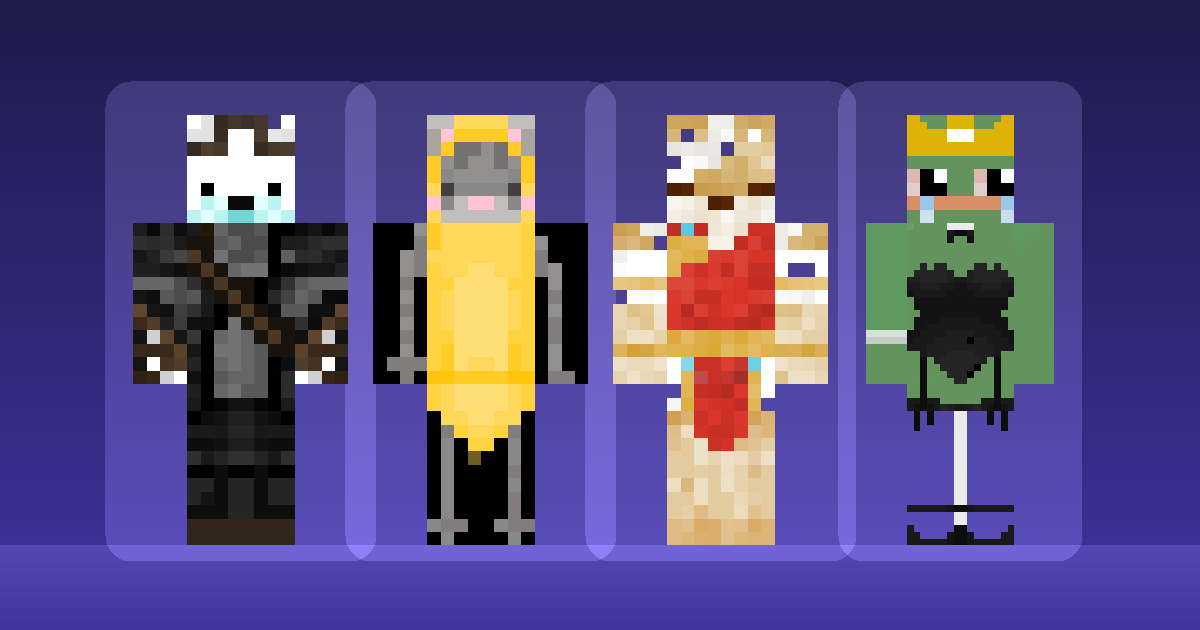
Cinnamoroll Girl is the silhouette approach in its clearest form: the ears change the head shape entirely, and the face itself stays minimal.
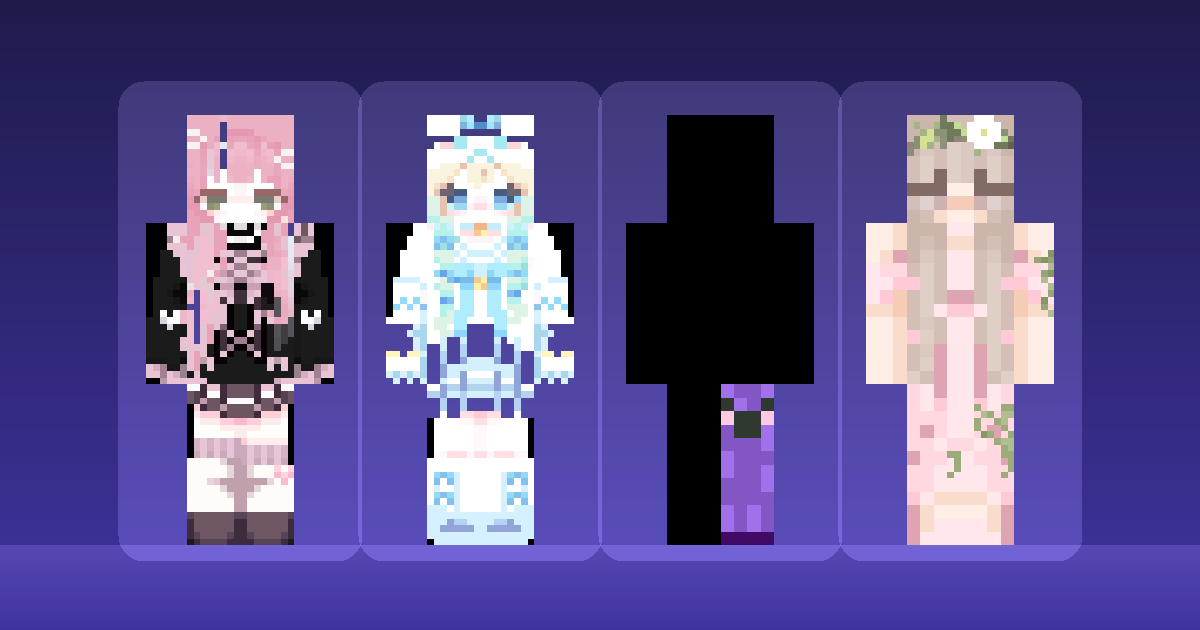
Cute Pink shows a pastel palette that still holds contrast — soft throughout, but with enough tonal separation to read in a dim cave.
Cute Purple Creeper is a nice demonstration that cute does not require a human face. The creeper shape is already iconic; softening the palette is enough.
Cute Dark Short Hair works against type, using a dark palette with a cute silhouette, and proves the style is not actually about pastels.
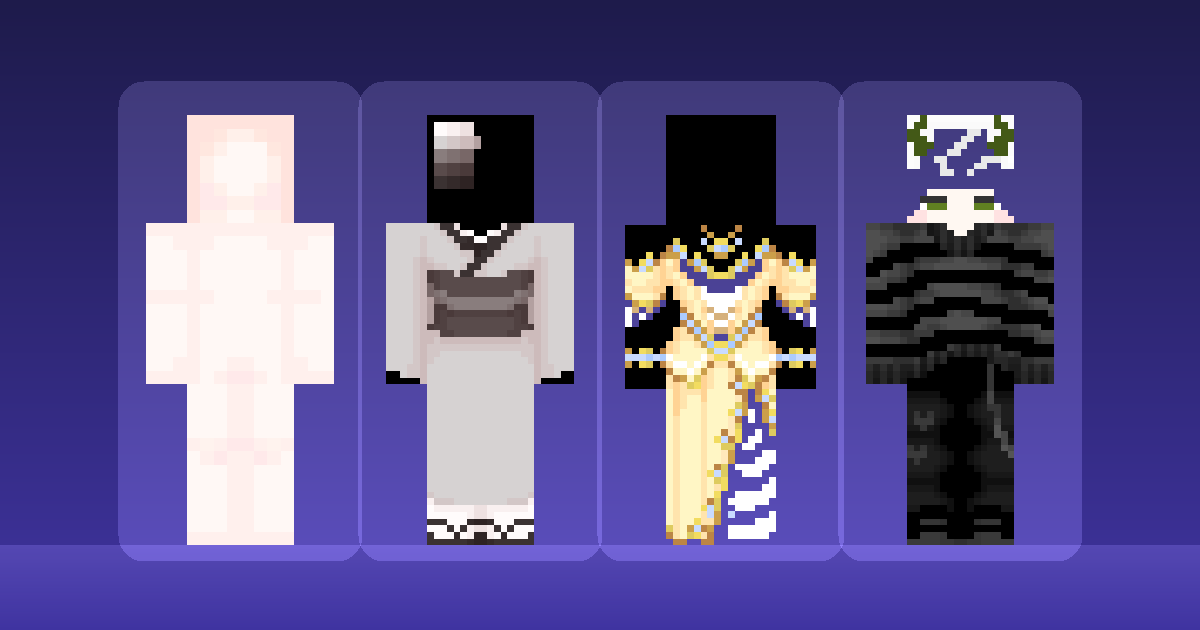
Cute Core and Cute Girl with Striped Tank Top both use clothing pattern rather than facial detail to carry the design, which is the right instinct at this size.
Making your own cute skin
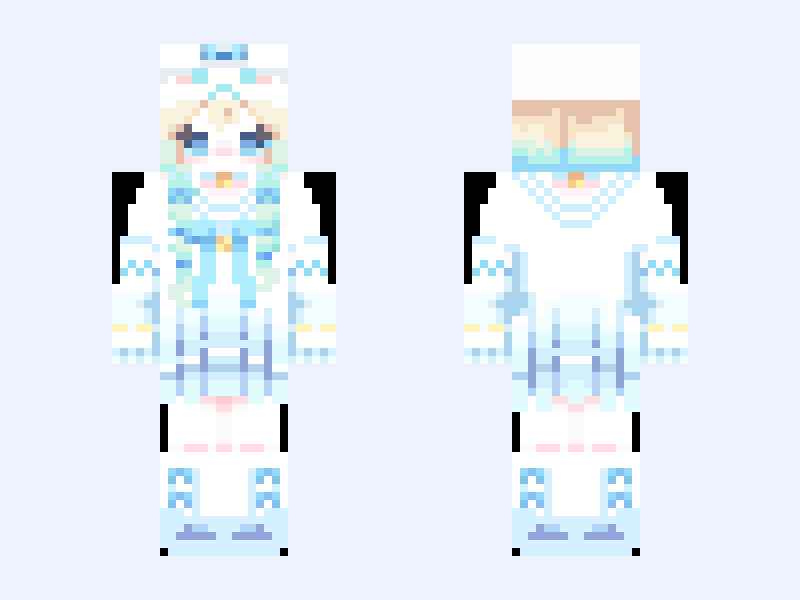
If you are editing rather than downloading, the single highest-value change is adding ears on the overlay layer. It takes a handful of pixels and transforms the silhouette.
After that, simplify the face. The instinct is to add detail; the correct move is almost always to remove it. Two pixels of eye, one of blush, and nothing else.
Then check it at real distance rather than editor zoom. Cute designs fail more often than any other style when scaled down, because the details that carry them are the first to disappear. Previewing properly catches this before you upload.
More options are in the full skins library.