GameModHub Gaming
Do Minecraft Skins Work on Servers
Your skin is attached to your account rather than to any world, so in the normal case it simply follows you onto a server with nothing to configure. You join, and everyone sees the skin you uploaded.
The cases where that does not happen are narrow but they account for almost every "my skin does not work on this server" complaint. There are four, and they have quite different causes.
Offline-mode servers cannot fetch your skin
This is the big one, and it surprises people.
When you join a normal server, it checks your account with Mojang's authentication service. That check is also how it learns which skin to show. A server running in offline mode — sometimes called cracked — skips authentication entirely, which means it never asks Mojang anything, which means it has no idea what your skin is.
On those servers everyone appears as a default character, no matter what they have uploaded. There is nothing wrong with your file and nothing you can change client-side. Some offline servers install a plugin that restores skins by looking them up separately; many do not.
If your skin works everywhere except one server, this is the first thing to check.
Caching, which looks like failure and is not
Servers cache the skins of connected players, and so do the clients of everyone already online. Change your skin mid-session and the people already loaded keep seeing the old one until something forces a refresh.
The usual fix is to leave and rejoin. Occasionally the other player has to reconnect as well, which is frustrating but is genuinely their client holding stale data rather than anything you can fix.
The diagnostic that settles it: look at your own character in third person. If your client shows the new skin, the upload worked and everything else is cache.
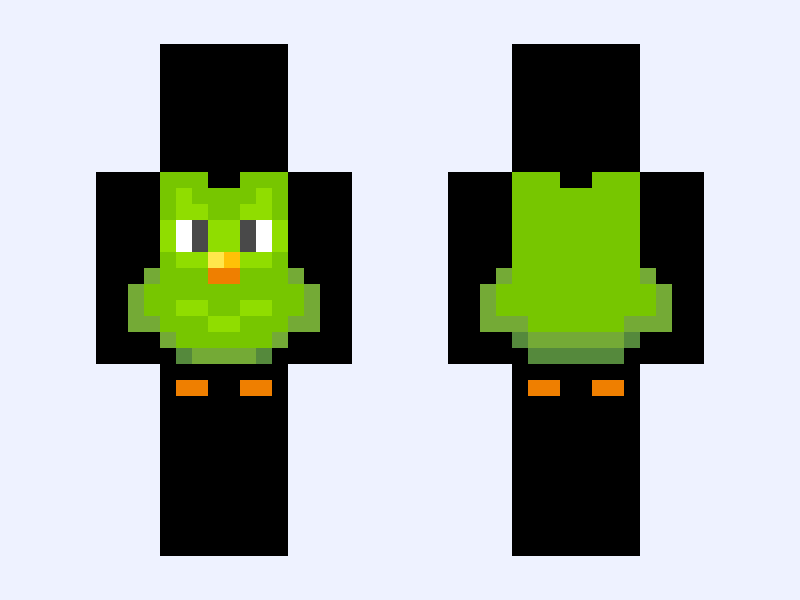
Servers that override how you look
Some servers deliberately replace player appearance, and this is a design decision rather than a fault.
Minigame and roleplay servers frequently assign team skins, costumes or disguises so that players can be told apart at a glance — your own skin is still on your account, it is just not what is being rendered in that game mode.
A server resource pack can also change how things look, though it generally cannot swap an individual player's skin. Disguise and NPC plugins can.
If a server shows everyone as a themed character, that is the server working as intended. Leaving it returns you to your own skin immediately.
Realms, and cross-edition play
Realms behave like normal servers for skin purposes: they authenticate properly, so your skin loads.
The thing to know about cross-platform Bedrock play is that classic skins imported on one device sync to the others signed in to the same Microsoft account, which saves importing the same PNG on a phone, a console and a PC separately.
Java and Bedrock keep entirely separate skin settings, however. They are different accounts with different storage, so uploading a skin on one does nothing for the other. If you play both, you upload the same file twice. The upload guide covers the route on each.
If the skin itself is misbehaving rather than the server, the troubleshooting guide is the better place to look.